
Simple Mining is providing a new support portal for our customers.
Step 1: Visit your Simple Mining Dashboard
https://dashboard.simplemining.io/login
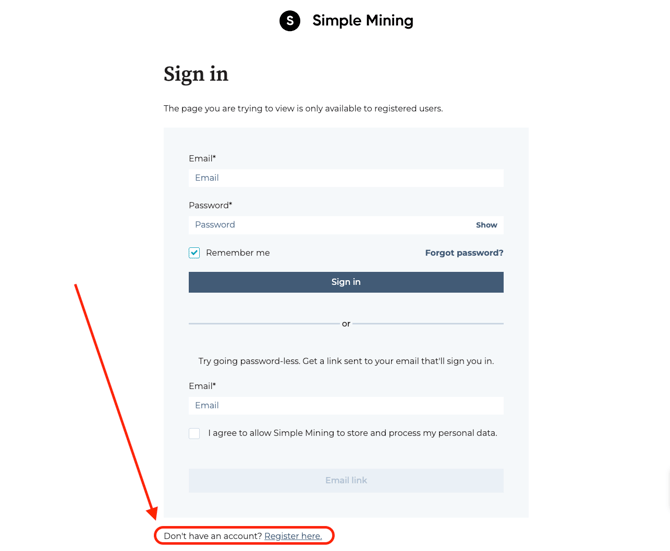
Step 2: When visiting https://dashboard.simplemining.io/support (Support Ticket Manager) you will be asked to Sign In initially. But you will need to register first. Please find and click the "Register here".
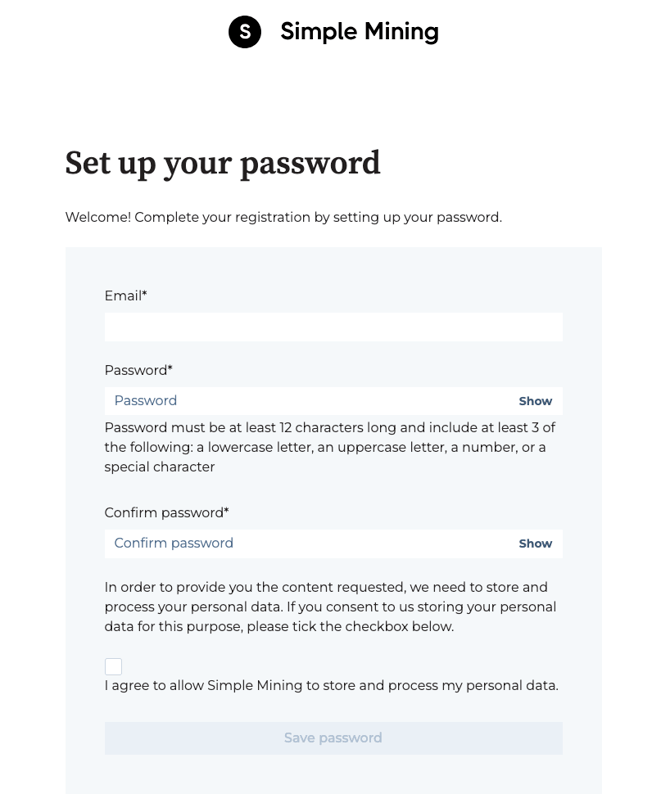
Step 3: Input your email and a password of your choice. We recommend using the same email that you use for your Simple Mining portal!
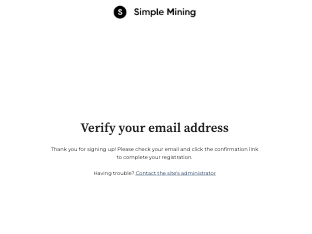
Step 4: Verify your email. You should have received an email asking you to verify your email address.
Step 5: After you have verified your email. You should navigate back to the Simple Mining Dashboard, and login with your newly set credentials. (https://dashboard.simplemining.io/support)